A PDF reader for the documents in your Downloads folder
A manual, a long report, a PDF someone sent last week. Give those files a place where you will actually find them again. Aura keeps your PDFs in a dedicated library view and opens readable document text in the reader.
Add a PDF or EPUBKeep documents beside your everyday reading
Upload a PDF while signed in, then open PDF documents in the dashboard. You can search the library by title and use reading states to separate new files from the ones you have finished. Free allows uploads up to 3 MB per file; Pro raises that to 50 MB.
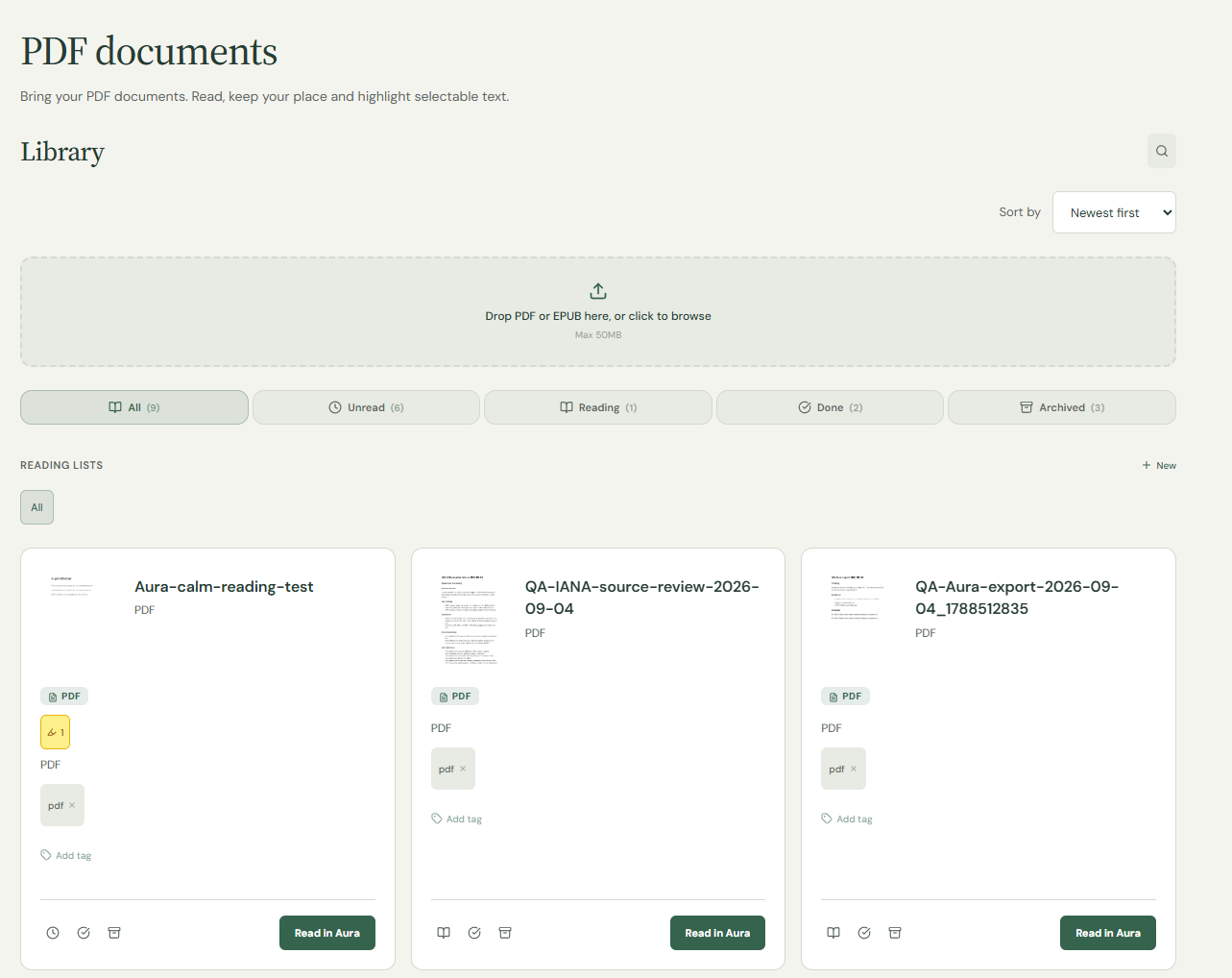
Read the text, check the original layout when needed
Aura extracts PDF text and groups it by source page. This is not a pixel-perfect PDF editor. Columns, tables, diagrams and footnotes can lose their original arrangement. For a financial table, form or illustrated manual, compare the reader with the original document before relying on its meaning.
Leave a note beside a useful passage
Select readable text and save a highlight, with a note if you want one. A definition or instruction becomes easier to find in Highlights & notes than in a folder full of similar filenames. Highlights depend on selectable text; they cannot recover words from an image-only scan.
Check a scan before you upload it
Try selecting a sentence in the original PDF. If the entire page is just an image, Aura may have no text to extract. Built-in OCR is not part of this reader. Password protection can also prevent opening a document. Use a readable, unprotected copy you are entitled to access.
Where to find it
- Sign in and choose Add a PDF or EPUB, then select your .pdf file.
- Open the PDF documents view in your library and select the uploaded file.
- Read and highlight selectable text. Keep the original PDF for tables, figures and exact page layout.
Before you start
Will a scanned PDF become searchable text?
Not automatically. Aura does not provide OCR in this workflow. The PDF needs a readable text layer for extraction and text highlighting.
Can I edit the PDF or fill in a form?
Aura is a reading library, not a PDF editor or form-filling tool. Adding a note in Aura does not rewrite the original PDF.
Can I upload a large report?
The per-file limit is 3 MB on Free and 50 MB on Pro. The file must also be readable and unprotected.
Try it with one passage first
Use a DRM-free EPUB or a PDF with selectable text. File uploads require an account: up to 3 MB per file on Free and 50 MB on Pro. Aura does not run OCR on scanned pages or remove DRM. Keep your original file if its layout matters.
Select a short passage, choose a highlight colour or add a note, then check the saved entry in Highlights & notes. Open the same library copy next time. An annotation saved in Aura is not an edit embedded in your original PDF or EPUB.
Want to try without uploading a personal document? These short English samples were written for this guide.